Category Archives: computers
Artwork in the Digital Age
Digital art refers to any artistic work or practice that uses digital technology as part of the creative or presentation process. It can also refer to computational art that uses and engages with digital media. Since the 1960s, various names have been used to describe digital art, including computer art, electronic art, multimedia art and new media art.
Subcategories for the art include digital painting, where artists use software to emulate techniques using in physical painting, digital illustration, which involves creating rendered images for other media, and 3D modeling, where artists craft three-dimensional objects and scenes.
Sources for digital art include pieces stored on physical media, galleries on display on websites, and collections for download for free or purchase.
History – to understand the history of digital art, read here.
According to the Stanford Encyclopedia of Philosophy:
“In order to be a true digital artist, you must learn the same types of skills to perform digital artwork that you would for traditional artwork”. Digital art requires serious creative skill, though it might not involve physical materials.
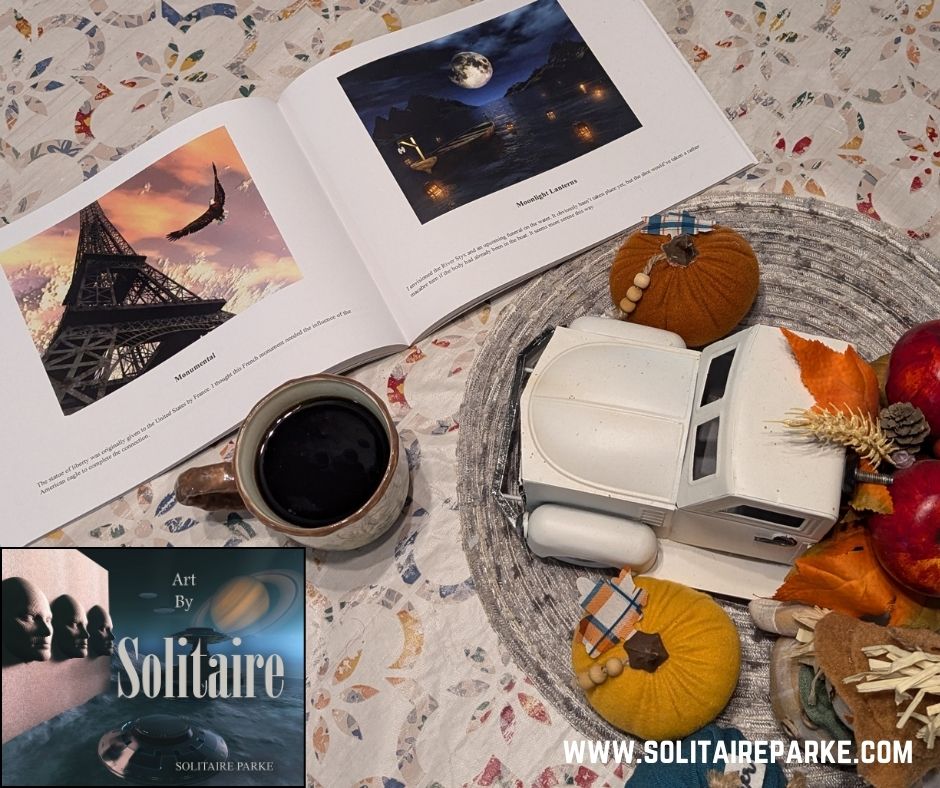
Solitaire utilizes digital technology to enhance his work, express himself and create beautiful artwork by stretching the limits of his imagination. Whether it’s abstract, science fiction, fantasy or scenic art, it can be used for video games, websites, book covers, attire or displayed on the wall in a home or office. It is a dynamic and captivating medium that holds the power to inspire us all. You can view Solitaire’s artwork here –
https://www.redbubble.com/people/ChaosX33/explore?asc=u&page=1&sortOrder=recent3/shop
For a copy of his Art Book go to –
National Clean Out Your Computer Day?

Apparently the second Monday in February is the National Clean out Your Computer Day. Who knew? I certainly didn’t. I just came across this obscure holiday while researching another topic. Somewhere along the way, a computer geek or service person probably created this day as an opportunity for us to review, cleanup, and delete old and unused files or programs. It’s a pretty good idea since many of us add programs and files on a regular basis, and then often don’t use them for a long time, if at all. Over time they can clog memory or file retrieval and possibly slow the computer down. Most computers have a large storage capacity so we neglect to give them a good housecleaning.
So, get into the spirit of the day and take a look at your files and programs on the computer –
- Organize your files and folders.
- Delete junk files.
- Delete duplicate files.
- Delete old files and programs not being used.
For fun, look up other Bizarre and Unique Holidays in February –
http://www.holidayinsights.com/moreholidays/february.htm
Happy Computing!
Solitaire




 Solitaire Parke - Sci-Fi/Fantasy Books